Manual LinkedIn outreach has a ceiling. Twenty connection requests a day, one by one. A hundred and fifty messages a month if you’re disciplined. A morning lost clicking around a platform that wasn’t built for this volume.
The difference between operators booking 30+ qualified meetings per month and those stuck at 5 isn’t effort. It’s tools — and more importantly, knowing which ones don’t get your account flagged.
LinkedIn has tightened its automation detection significantly since 2024. Here’s the full breakdown of what still works, what’s risky, and which tool fits which use case.
Table of Contents
- Why LinkedIn Outreach Tools Matter More Than Ever
- The Game-Changing Benefits of LinkedIn Automation Tools
- LinkedIn Sales Navigator: Your Foundation Tool
- The 10 Best LinkedIn Automation Tools for 2025
- Comprehensive Comparison: Choosing Your Perfect Match
- Chrome Extensions vs. Cloud-Based Tools
- Setting Up Your LinkedIn Outreach System
- Advanced Strategies for Maximum Results
- LinkedIn Outreach Reporting Template
- Common Mistakes That Kill Results
- Measuring Success: KPIs That Matter
- Legal and Ethical Considerations
- Future Trends in LinkedIn Automation
- Getting Started: Your Action Plan
- Frequently Asked Questions
Why LinkedIn Outreach Tools Matter More Than Ever?
LinkedIn isn’t just another social platform anymore—it’s become the goldmine for B2B professionals. With over 900 million users worldwide, it’s where deals get made, partnerships form, and careers take off.
But here’s the catch: trying to navigate this massive network manually is like trying to drain the ocean with a teaspoon.
LinkedIn automation tools have become essential for professionals who want to:
- Scale their outreach without losing personal touch
- Generate consistent leads while focusing on closing deals
- Build meaningful networks faster than humanly possible
- Track and optimize their outreach performance
If you’re sending 10 connection requests per day manually, that’s 300 per month. With the right cloud-based automation systems, you could be reaching 800+ prospects per LinkedIn profile in the same timeframe—while maintaining quality and personalization.
The professionals winning are those leveraging smart automation tools to amplify their efforts — safely.
The Game-Changing Benefits of LinkedIn Automation Tools
1. Efficiency That Actually Matters
Time is money, especially in sales. LinkedIn outreach automation tools eliminate the mind-numbing repetitive tasks that eat up your productive hours:
- Automated connection requests with personalized messages
- Smart follow-up sequences that nurture leads systematically
- Bulk data extraction to build targeted prospect lists
- Scheduled campaigns that work around the clock
Instead of spending 3 hours daily on manual outreach tasks, you can accomplish the same (and more) in 30 minutes of setup time.
2. Personalization at Scale
The best LinkedIn automation tools actually enhance personalization by:
- Using dynamic fields to customize messages with prospect data
- Creating behavior-triggered sequences based on user actions
- A/B testing different message variations to find what works
- Segmenting audiences for hyper-targeted messaging
3. Safety Features That Protect Your Account
LinkedIn has strict policies, and getting banned means losing years of network building. Top-tier LinkedIn outreach automation tools include:
- Human-like behavior mimicking with random delays
- Local IP usage to avoid detection
- Daily and hourly limits that respect LinkedIn’s boundaries
- Smart scheduling that matches your typical activity patterns
4. Analytics That Drive Results
Modern automation tools provide detailed insights:
- Connection acceptance rates by industry and message type
- Response rates and conversation metrics
- Campaign ROI tracking
- Lead scoring and qualification data
LinkedIn Sales Navigator: Your Foundation Tool
Before diving into automation, let’s talk about LinkedIn Sales Navigator—the premium tool that supercharges everything else you’ll do on the platform.
Why Sales Navigator Changes Everything
Advanced Search Capabilities:
- Filter by company size, industry, seniority level, and geography
- Use boolean search to find prospects with specific skills or interests
- Access LinkedIn’s full database, not just your extended network
- Save searches to monitor new prospects matching your criteria
Lead Management Features:
- Save up to 2,500 leads and organize them into lists
- Get real-time updates when prospects change jobs or post content
- See who’s viewed your profile with premium insights
- Track your outreach history with detailed notes
| Feature | Basic LinkedIn | Sales Navigator | Navigator + Automation |
|---|---|---|---|
| Search Results | 1,000 results | 2,500+ results | Unlimited with tools |
| Monthly InMails | 0 | 50 Credits + 200-300 to Open Profiles | Automated sequences |
| Lead Tracking | Manual notes | Organized lists | CRM integration |
| Outreach Volume | 20-30/day | 50-100/day | 300-500/day |
The 10 Best LinkedIn Automation Tools for 2025
1. HeyReach: The Agency Powerhouse
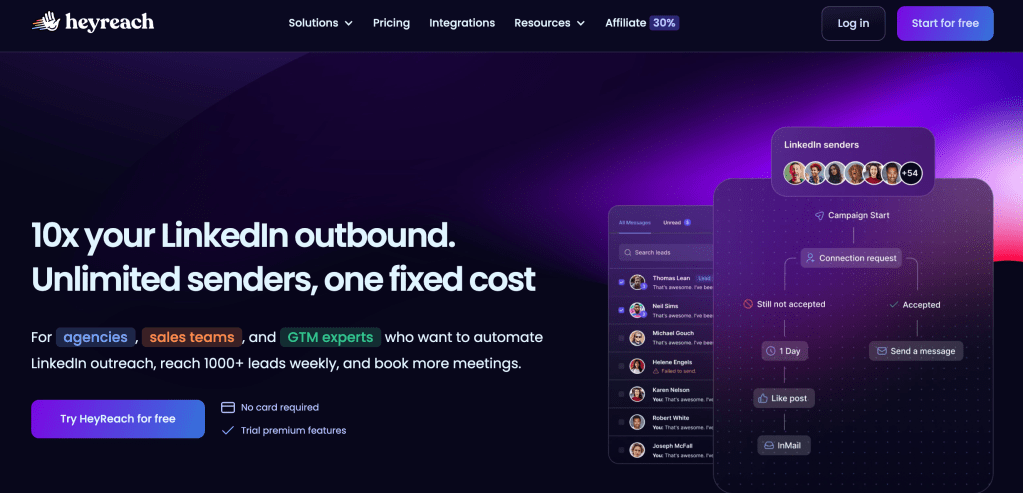
HeyReach is specifically engineered for large-scale LinkedIn automation, making it the go-to choice for agencies managing dozens or hundreds of LinkedIn accounts simultaneously.
- 50+ LinkedIn accounts managed from a single dashboard
- Automatic account rotation to distribute outreach load
- Dedicated proxy rotation for each account
- White-label dashboard for client reporting
Pricing: Starter from $79/month/sender | Agency $999/month for 50 accounts
Best For: Large agencies and enterprises managing 50+ LinkedIn accounts.
2. GetSales.io: The Team Collaboration Leader
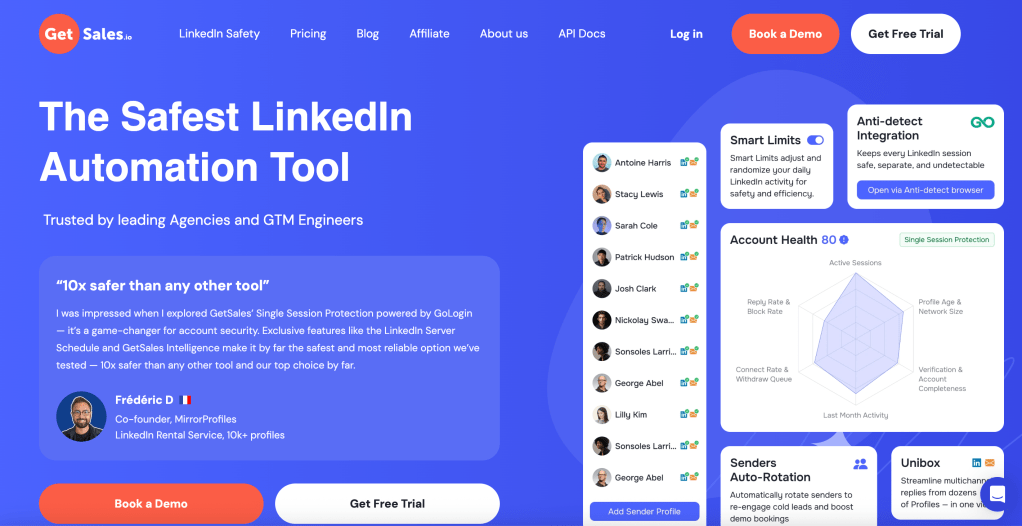
GetSales.io combines LinkedIn + cold email in unified sequences with strong team collaboration features.
- LinkedIn + Email campaigns in unified sequences
- Shared campaign templates and message libraries
- Account-specific limits based on profile characteristics
Pricing: Professional $79/month | Team $199/month | Enterprise $299/month
Best For: Sales teams and agencies needing multi-channel automation with collaboration features.
3. Dux-Soup: The Reliable Starter Choice

Dux-Soup is trusted for its balance of functionality and simplicity. Chrome extension-based, with custom delays, CRM integration, and a proven safety record.
Pricing: Turbo $14.99/mo | Pro $55/mo | Cloud $99/mo
Best For: Individual professionals and small teams starting with LinkedIn automation.
4. Expandi: The Scalability Champion

Expandi is a cloud-based tool with dedicated IP addresses, smart account limits, LinkedIn + Email multi-channel, and team collaboration features.
Pricing: Individual $99/mo | Agency $166/mo per account
Best For: Growing businesses needing bulletproof safety and multi-channel automation.
5. LinkedHelper: The Power User’s Dream

LinkedHelper is a desktop-based tool with granular control, built-in CRM, and a one-time payment model. Maximum customization for power users.
Pricing: Standard $15 one-time | Business $45 one-time | Agency $95 one-time
Best For: Power users and agencies who prefer one-time payments over subscriptions.
6. PhantomBuster: The Multi-Platform Powerhouse
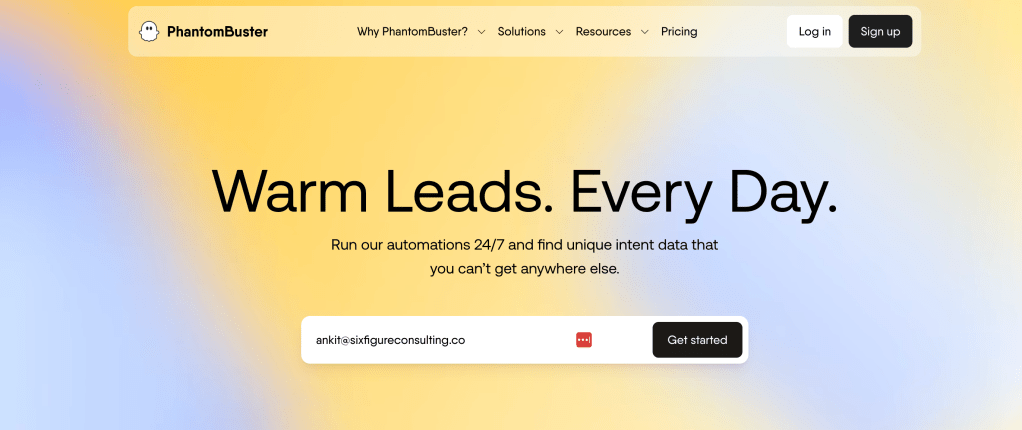
PhantomBuster goes beyond LinkedIn with automation across multiple social platforms. Pre-built “Phantoms” for connection requests, messages, and data extraction.
Pricing: Starter $69/mo | Pro $159/mo | Team $439/mo
Best For: Digital marketers needing multi-platform automation and data extraction.
7. Meet Alfred: The All-in-One Solution
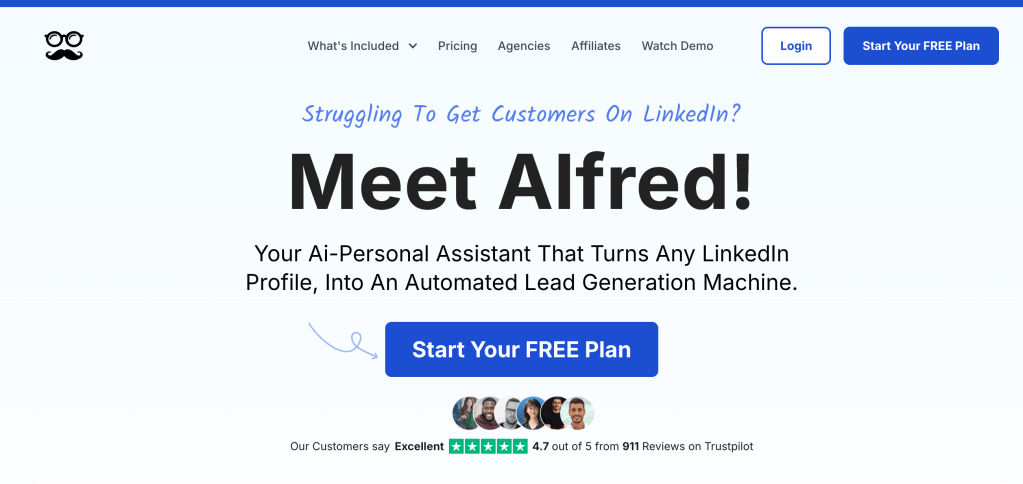
Meet Alfred combines LinkedIn + Email + Twitter in unified campaigns. Strong team features, built-in CRM, and role-based access.
Pricing: Individual $49/mo | Business $99/mo | Agency $199/mo
Best For: Teams wanting an all-in-one solution for multi-channel outreach.
8. We-Connect: The Cloud-Based Specialist
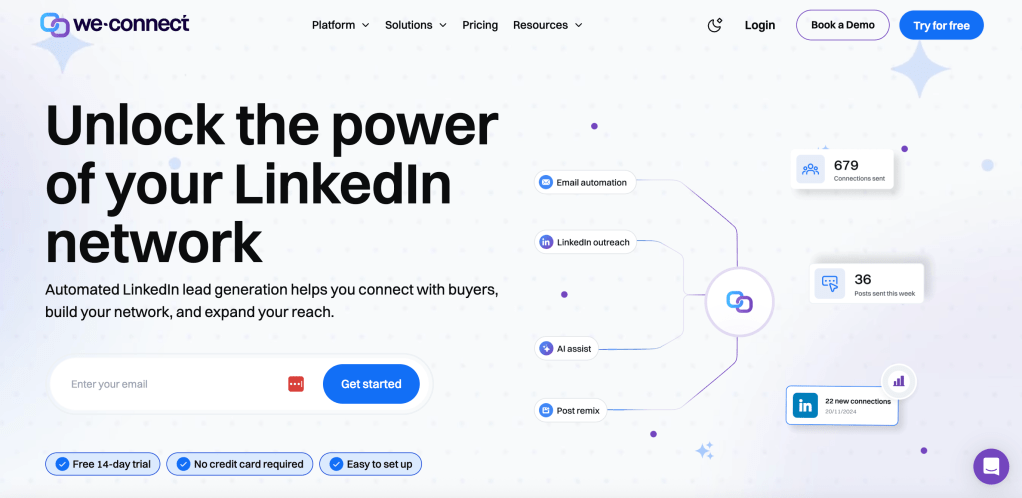
We-Connect focuses specifically on LinkedIn with a cloud-based approach — 24/7 operation, dedicated IP management, and safety-first architecture.
Pricing: Growth $69/mo | Business $79/mo
Best For: Professionals who want reliable cloud-based automation with strong safety features.
9. Lemlist: The Multi-Channel Master

Lemlist is the go-to for seamless Email + LinkedIn integration. Dynamic image personalization, voice note personalization, and multi-touch sequences.
Pricing: Cold Email $29/mo | Sales Engagement $49/mo | Outreach Scale $99/mo
Best For: Sales teams needing advanced multi-channel campaigns with personalization.
10. Waalaxy: The Outreach Specialist
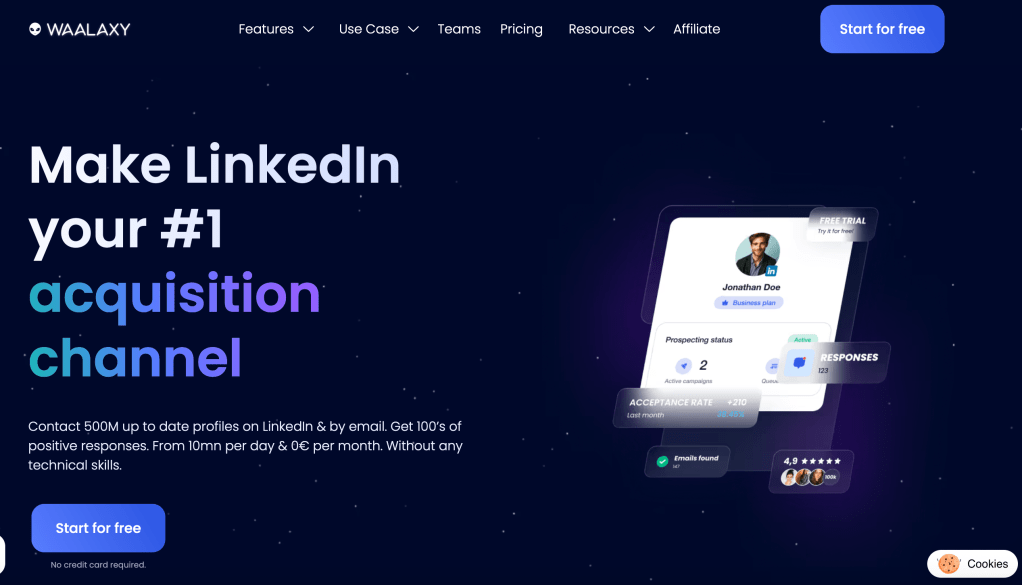
Waalaxy focuses on solopreneurs and large teams. Multi-touch sequences, trigger-based messaging, and Salesforce/HubSpot native integration.
Pricing: Professional $197/mo | Team $347/mo | Enterprise: Custom
Best For: Enterprise B2B sales teams needing sophisticated automation with enterprise-grade security.
Comprehensive Comparison: Choosing Your Perfect Match
| Tool | Best For | Monthly Price | Key Strength | Safety Level |
|---|---|---|---|---|
| Dux-Soup | Beginners & Small Teams | $11-$42 | Reliable & Easy | High |
| Expandi | Scaling Businesses | $99+ | Multi-channel Power | Very High |
| LinkedHelper | Power Users | $15 (one-time) | Maximum Control | Medium |
| PhantomBuster | Multi-platform Needs | $69-$439 | Data Extraction | Medium |
| Meet Alfred | Team Collaboration | $49-$199 | All-in-one Solution | High |
| We-Connect | Cloud-based Automation | $49-$199 | Simple & Reliable | High |
| Lemlist | Multi-Channel Outreach | $29+ | Email + LinkedIn Integration | High |
| HeyReach | Large Agencies | $799+ | Multi-Account Scale | Very High |
| GetSales.io | Teams & Multi-Channel | $79+ | LinkedIn + Email Integration | High |
Chrome Extensions vs. Cloud-Based Tools: The Critical Decision
Chrome Extension Tools (Dux-Soup, LinkedHelper)
Advantages: Lower cost entry point, direct LinkedIn integration, complete control over data, immediate setup.
Disadvantages: Computer dependency (requires machine running), single account limitation, limited scalability for growing teams.
Cloud-Based Tools (Expandi, HeyReach, We-Connect)
Advantages: 24/7 operation, multi-account management, enhanced security with dedicated IPs, automatic updates, superior scalability.
Disadvantages: Higher cost structure, dependency on service provider reliability.
Common LinkedIn Outreach Mistakes That Kill Results
Generic Messaging at Scale — Segment audiences and personalize based on industry-specific pain points, role-specific responsibilities, and recent company news.
Over-Automation Without Human Touch — Automate the volume. Handle replies personally. The conversion happens in the conversation, not the sequence.
Neglecting Account Safety — Gradual ramp-up of activity levels, natural timing patterns and delays, regular monitoring of account health, compliance with LinkedIn’s latest policies.
Using Multiple Automation Tools Simultaneously — Do not run HeyReach and another automation tool on the same account. Using multiple tools on one profile significantly increases restriction risk.
Measuring LinkedIn Outreach Success: KPIs That Matter
Connection Metrics: Connection acceptance rate (target: 40%+) · Weekly connection growth rate · Network quality score (engagement levels)
Engagement Metrics: Message response rate (target: 15%+) · Conversation-to-meeting conversion (target: 20%+) · Meeting-to-opportunity conversion (target: 30%+)
Revenue Metrics: Pipeline value generated from LinkedIn · Cost per qualified lead (CPL) · Customer acquisition cost (CAC) from LinkedIn · Return on investment (ROI) for tool costs
Getting Started: Your Action Plan
Week 1 — Preparation: Audit and optimize your LinkedIn profile · Define your ICP · Select your automation tool · Set up LinkedIn Sales Navigator
Week 2 — Setup and Testing: Install and configure your chosen tool · Create message sequences · Set up CRM integration · Run small test campaigns with 50-100 prospects
Week 3 — Launch and Monitor: Launch campaigns at conservative daily limits · Monitor account health daily · Respond to all replies within 4 hours
Week 4 — Optimize and Scale: Analyze performance data · A/B test new message variations · Gradually increase outreach volumes · Document successful processes
📧 Weekly GTM Newsletter: Tactical LinkedIn strategies, tool breakdowns, and real campaign results. Subscribe here →
About Six Figure Consulting: AI-powered outbound agency based in Abu Dhabi. We help B2B service businesses book 20-30+ qualified appointments monthly using LinkedIn + Cold Email + AI systems. sixfigureconsulting.co

Leave a comment