Most B2B outreach fails not because the product is wrong or the copy is bad. It fails because you’re targeting 500 companies when you should be targeting 12.
Account-Based Marketing isn’t a trend. It’s the acknowledgment that for certain deal sizes, precision beats volume every single time. A 5-12% response rate versus 0.5% — that gap isn’t copy. That’s targeting.
There are two proven approaches to building an ABM system: manual, for high-touch targeting of 10-20 accounts per month; and automated, using Clay + Apollo + Instantly + HeyReach to run signal-based outreach at 500+ leads monthly. Both work. The right one depends on your deal size and team capacity.
Here’s the complete playbook for both.
Why Regular Outreach Fails for Million-Dollar Companies
The Problem: Executives Ignore Generic Messages
When you prospect to a VP at a mid-market SaaS company with “Hi {{first_name}}, noticed you’re in {{industry}}…”, your email gets deleted in 3 seconds.
Why? That executive receives 50+ cold emails daily. Your message looks like everyone else’s.
The numbers don’t lie:
- Generic cold email response rate: 0.5-1.5%
- ABM-targeted executive response rate: 5-12%
- Traditional spray-and-pray SDR: 30-40 meetings/month at 25% conversion
- ABM-qualified conversations: 5-10 meetings/month at 65%+ conversion
Why ABM Works: The Three Pillars
Pillar 1: Precision Targeting — You don’t prospect to “Tech companies with 50+ employees.” You prospect to “Series B SaaS companies in HRIS that just hired a VP Sales” using outdated HubSpot, signaling a migration cycle.
Pillar 2: Signal-Based Timing — You email when intent signals align — hiring announcements, funding rounds, product launches, tech stack changes, leadership transitions. Timing to buyer intent lifts response rates 40%.
Pillar 3: Hyper-Personalization — Not “I noticed your company grew 30%.” But “I saw you hired 3 SDRs in 60 days on your careers page. Most teams hit scaling bottlenecks by month 4. Are you experiencing the same?” That specificity makes humans respond.
Strategy #1: Manual ABM Using LinkedIn Sales Navigator (SDR-Driven Playbook)
Overview
Manual ABM is “high-touch, low-volume” prospecting: target 10-20 specific accounts per SDR monthly, spend 60 minutes on research per account, execute a 7-10 touch multi-channel sequence over 4-6 weeks.
Ideal for founders or sales professionals who want to stay hands-on, high-ACV sales ($50K+), complex buying committees (3-5 decision-makers), and accounts where relationship matters more than volume.
The 6-Step Manual ABM Workflow
Step 1: Define Your ICP & Target Account List (TAL)
Don’t say “B2B SaaS companies.” Be surgical. Example ICP for a consulting firm: Annual Revenue $500K-$10M · Headcount 20-200 · Industries: SaaS, B2B Services, MarTech, Recruiting Tech · Hiring Signals: actively hiring VP Sales or VP GTM · Tech Stack: HubSpot, Pipedrive, or Salesforce · Funding Stage: Series A-C or profitable.
Use Apollo to export 50-100 companies matching your ICP. Save as CSV with: Company Name, Revenue, Headcount, LinkedIn Company Page, Recent News, Decision-Maker Contact.
Step 2: Map the Buying Committee (Multi-Threading)
Most B2B deals involve 3-5 decision-makers. If you email only the CEO and they’re busy, you lose. Multi-thread — build relationships with CEO + VP GTM + Head of Sales — and you win.
In LinkedIn Sales Navigator, use Boolean searches within each target company to find Decision-Makers (CEO OR Founder OR “VP of Sales”), Budget/Authority (VP of Finance OR CFO), and Day-to-Day Operators (Director of Sales OR Head of Demand Gen). Save each as a “Saved Lead” — LinkedIn will alert you when they post or update their profile.
Step 3: Research & Signal Mapping
For each account, document: recent LinkedIn posts from decision-makers (what problems are they highlighting?) · recent hiring on careers page (what roles signal growth/transition?) · press releases or funding announcements · company website changes · tech stack signals · revenue and growth indicators.
Step 4: Craft Role-Specific Outreach Messages
Your messaging changes based on role and signal. CEO message = vision/authority angle. VP Sales = pipeline and team building challenges. CFO = cost per meeting and ROI angle. Each should reference a specific signal — not generic personalization like {{first_name}} and {{company}}.
Step 5: Execute Multi-Channel Sequence
Email + LinkedIn DM + voicemail, staggered over 4-6 weeks: LinkedIn connection (no message, Day 1) → Personalized email (Day 3) → LinkedIn DM if connected (Day 5) → 30-second voicemail (Day 7) → Value-add email (Day 10) → LinkedIn engagement: like/comment on their post (Day 14) → Final push email (Day 21) → Move to nurture (Day 28+)
Step 6: Track & Optimize Weekly
Track which accounts respond best, which channels drive engagement, and what messaging resonates. Review for 30 minutes weekly. Benchmark goals: 15-20% LinkedIn connection acceptance · 25-35% email open rate · 5-8% email response rate · 30-40% meeting rate from responses.
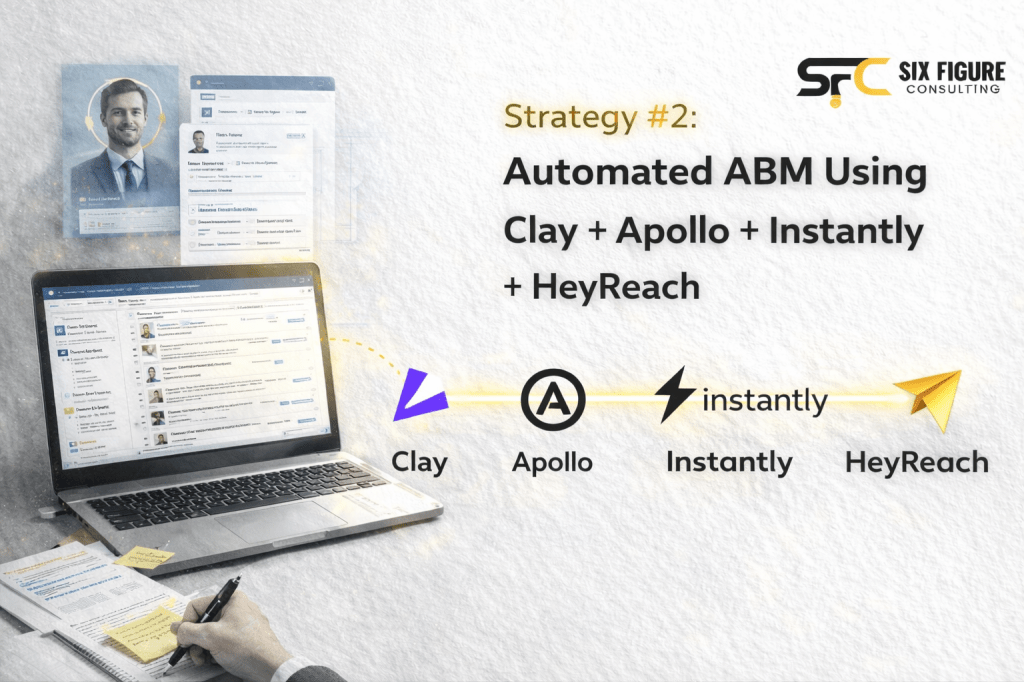
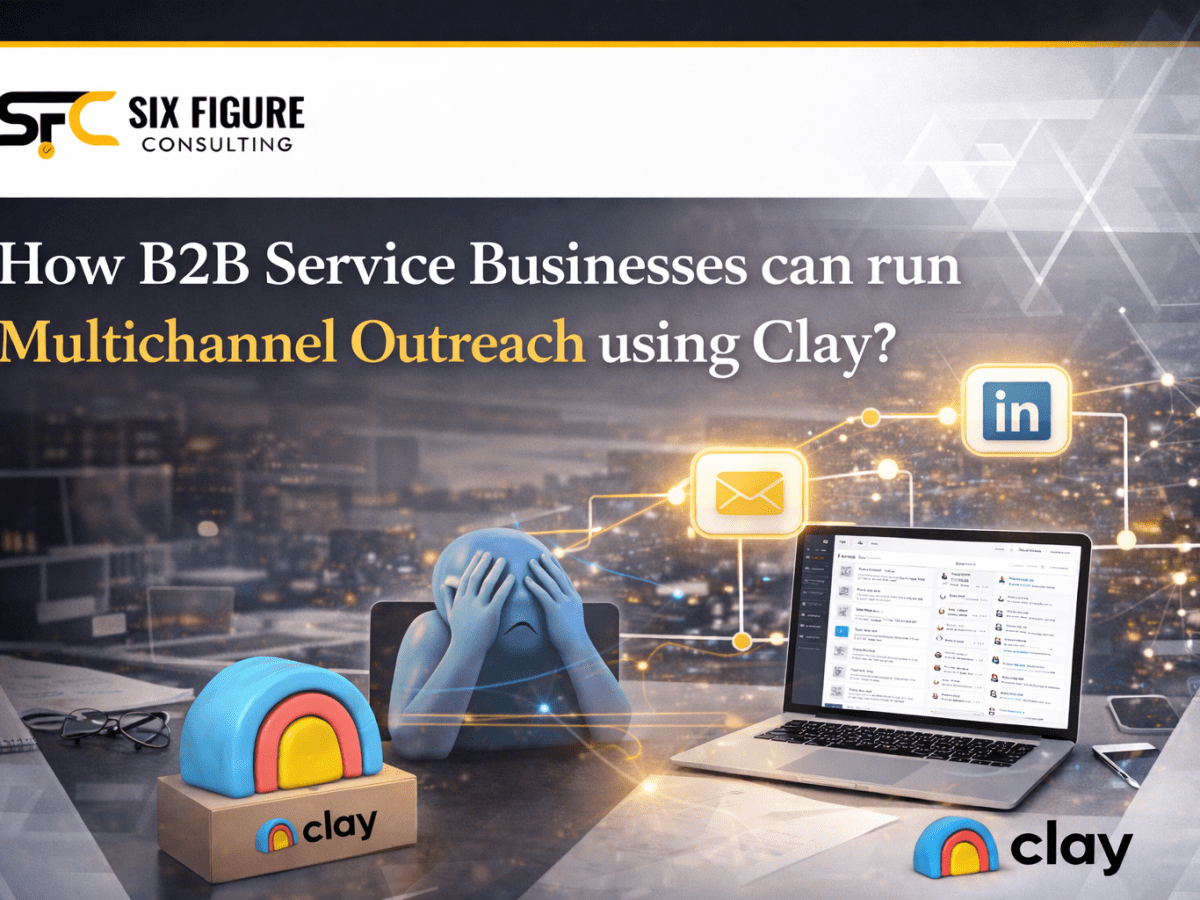
Strategy #2: Automated ABM Using Clay + Apollo + Instantly + HeyReach
Overview
Automated ABM is “high-volume, high-touch” prospecting using workflow automation. Source 500-1000 leads monthly, enrich with AI using Clay, execute dual-channel outreach (email via Instantly + LinkedIn via HeyReach).
Ideal for teams scaling without adding SDR headcount, 50-500+ target conversations monthly, repeatable data-driven execution, and margin-focused agencies.
The 7-Layer Automated ABM Workflow
Layer 1: Lead Sourcing (Apollo) — Create ICP-filtered saved searches. Export weekly CSV. Verify all emails using ZeroBounce ($0.01/email — keeps bounce rates below 2% and protects your domain). Result: 400-500 verified, high-intent leads per week.
Layer 2: Data Enrichment (Clay) — Build a Clay workflow that imports verified leads, scrapes LinkedIn profiles for recent posts and engagement, scrapes company websites for news and hiring, uses Claygent (Claude/GPT-4) to generate AI research summaries, generates personalized email hooks based on signal data, and conditionally routes leads into Tiers 1, 2, or 3 based on fit score.
Layer 3: Email Campaign (Instantly) — 3-email sequence (Email 1: signal-focused cold open · Email 2: value-add with resource · Email 3: final push with calendar link). Upload Clay-enriched leads. Spread sends over 3-4 weeks. Result: 5-8% reply rate on 500 emails = 25-40 replies, 10-15 meetings.
Layer 4: LinkedIn Campaign (HeyReach) — Connection request (no message) → If connected, send DM referencing their recent post or company signal → If not connected, engage by liking/commenting on their posts, then retry connection. Result: 15-20% connection acceptance, 2-3 meetings per 200 LinkedIn touches.
Layer 5: Reply Handling (Make) — Automate reply classification: Interested = send Calendly link + Slack alert + create CRM task · Objection = send objection-handling email + follow-up task · Not interested = add to DNC list · Auto-reply = flag for manual review. Every reply classified in seconds.
Layer 6: CRM & Booking (Pipedrive) — All leads tracked through pipeline: Cold → Email Opened → Email Replied → Meeting Scheduled → Meeting Completed → Proposal → Closed Won/Lost. Calendly auto-creates meeting reminders and syncs to CRM.
Layer 7: Optimization — Weekly 30-minute dashboard review. Test one variable per week: subject line · personalization hook · send timing · day gaps · LinkedIn message copy.
Comparison: Manual vs Automated ABM
| Factor | Manual (SDR-Led) | Automated (Workflow) |
|---|---|---|
| Volume | 10-20 accounts/SDR/month | 500-1000 leads/month |
| Response Rate | 8-12% | 5-8% |
| Meeting Rate | 10-15% of accounts | 0.6-1% of leads |
| Close Rate | 40-60% (warm, pre-qualified) | 25-35% (larger volume) |
| CAC | $1K-2K per closed deal | $300-500 per closed deal |
| When to Use | Enterprise deals, small team | Scaling without headcount |
Common Mistakes (And How to Avoid Them)
Targeting too broad — “All SaaS companies with 50+ employees” won’t convert. Narrow to specific signals: funding stage + hiring pattern + tech stack. Be willing to exclude 90% of prospects to focus on the 10% that are a perfect fit.
Weak personalization — “Hi {{first_name}}, we help B2B companies” is not personalization. “Saw you just hired 3 SDRs + migrating to Salesforce. That timing = sales ops chaos for most teams.” is.
Too many touches too fast — 10 emails in 2 weeks feels spammy. 3 emails over 6 weeks with LinkedIn + phone across channels feels like relationship-building.
Single-threading — In B2B deals, 3-5 people decide. Email CEO, VP Sales, and Head of Demand Gen with different role-specific messages.
No signal feedback loop — Track which signals convert to meetings monthly. Double down on what works, cut what doesn’t.
Ready to Launch Your ABM System?
Start with manual ABM this week if you have time for 10-20 accounts. If you’re scaling, build the automated stack. Either way, you’ll outperform spray-and-pray by 5-10x.
👉 Free Outreach Scripts that Booked 1000+ Appointments — LinkedIn + email templates for cold outreach to executives
👉 Free B2B CRM Tracker — Track your ABM campaigns and pipeline in one spreadsheet
👉 Book a Free Strategy Call — We’ll audit your current outreach and build a custom ABM plan for your business
📧 Weekly GTM Newsletter: Tactical ABM strategies, Clay workflows, and campaign breakdowns every week. Subscribe here →
About Six Figure Consulting: AI-powered outbound agency based in Abu Dhabi. 2,000+ appointments booked using signal-based ABM systems. sixfigureconsulting.co | ankit@sixfigureconsulting.co

Leave a comment